Payment Link
Payment Link is an aggregated online payment product. You only need to create an order via a simple API, then obtain a payment link. You can use any method to let customers make payments using various payment methods on the Wonder Payment Link. The payment result will be communicated with your backend in real-time via webhook.
Authentication
The Payment Link API is a component of the Open API. Please refer to the detailed specifications for further information.
Create a payment link
Please refer to Create Payment Link API get more details.
Basic
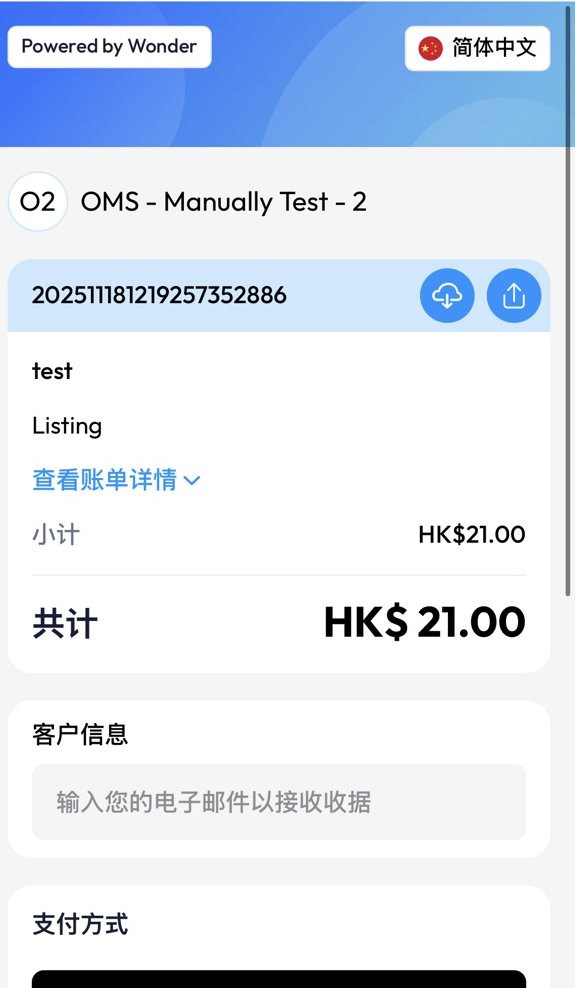
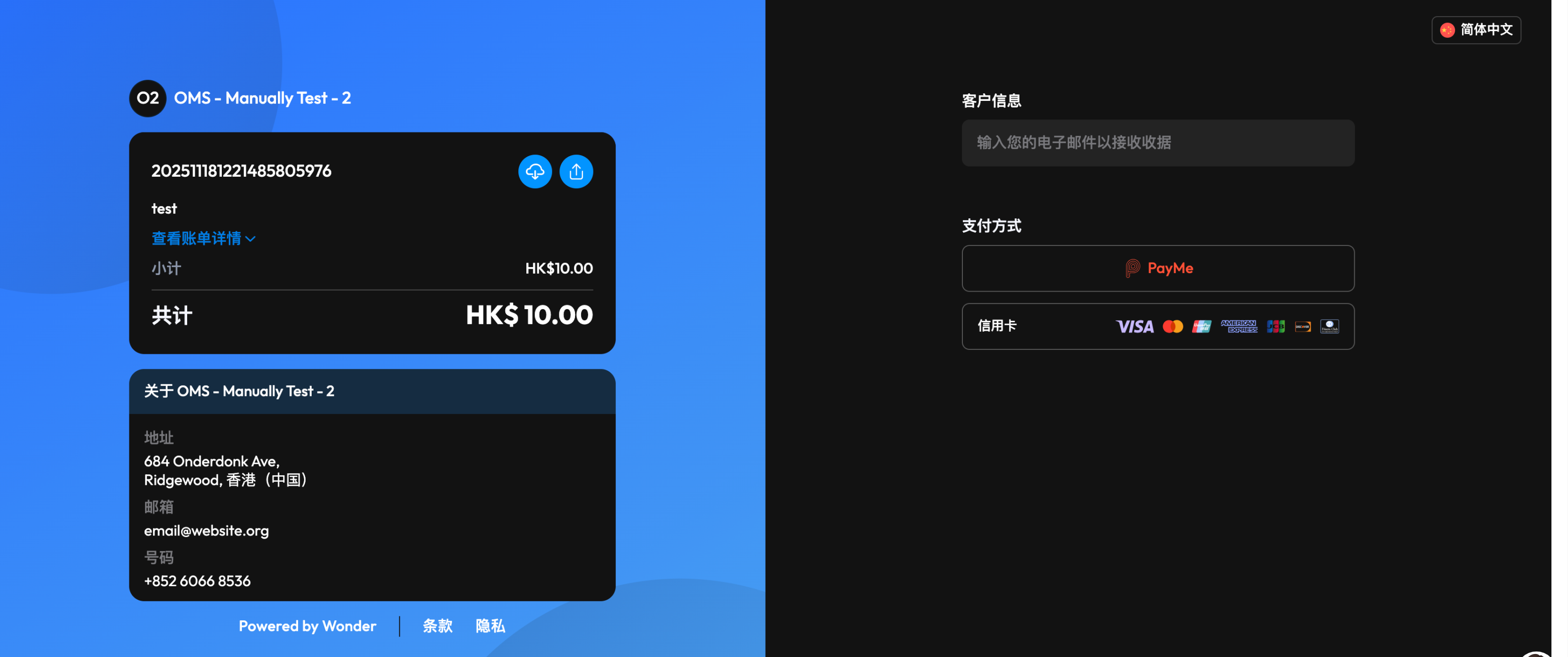
The Simply Payment Link does not include product details and only displays the payment amount.
- reference_number: This is usually your unique order ID, which is used to associate the Wonder Payment Link Order Number with your own order system.
- charge_fee: charge_fee is the final amount you charge to the user, and the currency of the received payment will be determined by the merchant's configuration.
{
  "order": {
    "reference_number": "<your side unique number>",
    "charge_fee": "21.00",
    "note": "test",
    "callback_url": "<send webhook to your server>",
    "redirect_url": "<redirect back to your website after payment completed.>"
  }
}
- number: Wonder side unique order number.
- payment_link: the payment url for end customer.
{
  "code": 200,
  "message": "success",
  "data": {
    "order": {
      "number": ""
    },
    "payment_link": "https://xxxxxxx"
  }
}
- Mobile Phone
- PC Desktop
With Line Items
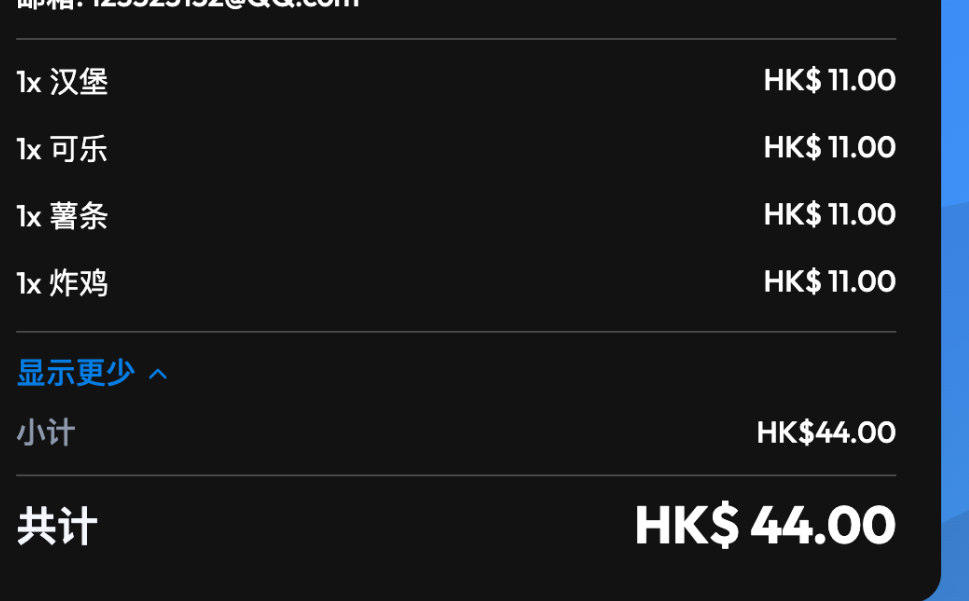
You can pass a line items array to describe more product details, allowing customers to better understand the basis for the charge.
{
  "order": {
    "charge_fee": "0",
    "tips": "0",
    "currency": "HKD",
    "reference_number": "202511181729432615203",
    "note": "test",
    "subtotal": "44",
    "line_items": [
      {
        "purchasable_type": "Listing",
        "purchase_id": "0",
        "price": "11",
        "quantity": "1",
        "total": "11",
        "label": "汉堡"
      },
      {
        "purchasable_type": "Listing",
        "purchase_id": "0",
        "price": "11",
        "quantity": "1",
        "total": "11",
        "label": "可乐"
      },
      {
        "purchasable_type": "Listing",
        "purchase_id": "0",
        "price": "11",
        "quantity": "1",
        "total": "11",
        "label": "薯条"
      },
      {
        "purchasable_type": "Listing",
        "purchase_id": "0",
        "price": "11",
        "quantity": "1",
        "total": "11",
        "label": "炸鸡"
      }
    ]
  }
}
With Customer
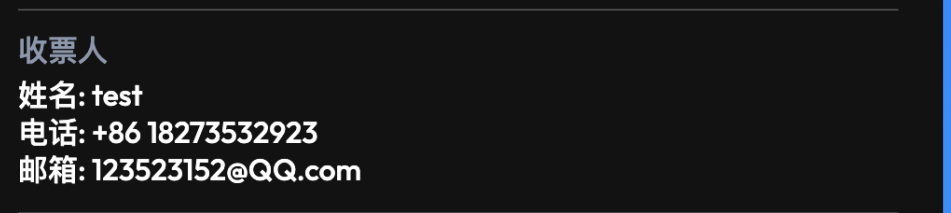
You can pass the customer_uuid field to associate the order with a customer. Once customer_uuid is provided, the relevant details will be displayed on the interface, enabling the end customer making the payment to verify the credibility of the information.
{
  "customer_uuid": "<From Customer Management API>",
  "order": {
    "charge_fee": "0",
    "tips": "0",
    "currency": "HKD",
    "reference_number": "202511181729432615203",
    "note": "test",
    "subtotal": "44",
    "line_items": [
      {
        "purchasable_type": "Listing",
        "purchase_id": "0",
        "price": "11",
        "quantity": "1",
        "total": "11",
        "label": "炸鸡"
      }
    ]
  }
}